YT Summary reads the transcript of any YouTube video and generates a concise AI summary — custom prompts, multi-language translation, section-by-section breakdown — so you can learn faster without watching the entire video.
YT Summary extracts the transcript from YouTube's built-in caption track. No API key needed for transcripts, no external service — just the text YouTube already generated for accessibility.
The transcript is sent to ChatGPT with your custom prompt. You decide the focus: main points, code snippets, action items, or a study guide. The AI sees only the transcript — never your screen, never your browsing data.
A structured summary appears right in the sidebar, section by section. Click any timestamp to jump to that part of the video. Copy the entire summary or export the transcript as a .txt file.
Summarize Udemy, Coursera, or any educational video on YouTube. Get the key takeaways without sitting through hours of content — jump to the sections that matter.
Extract code snippets, configuration steps, and architectural decisions from programming tutorials. Your custom prompt can focus on the exact technical details you need.
Translate transcripts into Vietnamese, English, or any supported language. Show subtitles right on the video player or in the transcript panel — your choice.
Long-form interviews and podcasts on YouTube become scannable summaries. Get the key quotes, topics covered, and action items without the two-hour commitment.
Write your own ChatGPT prompt to control exactly how the AI summarizes. Want bullet points? A study guide? Code-focused extraction? Your prompt, your format. Save and reuse across videos.
"One prompt to rule them all."
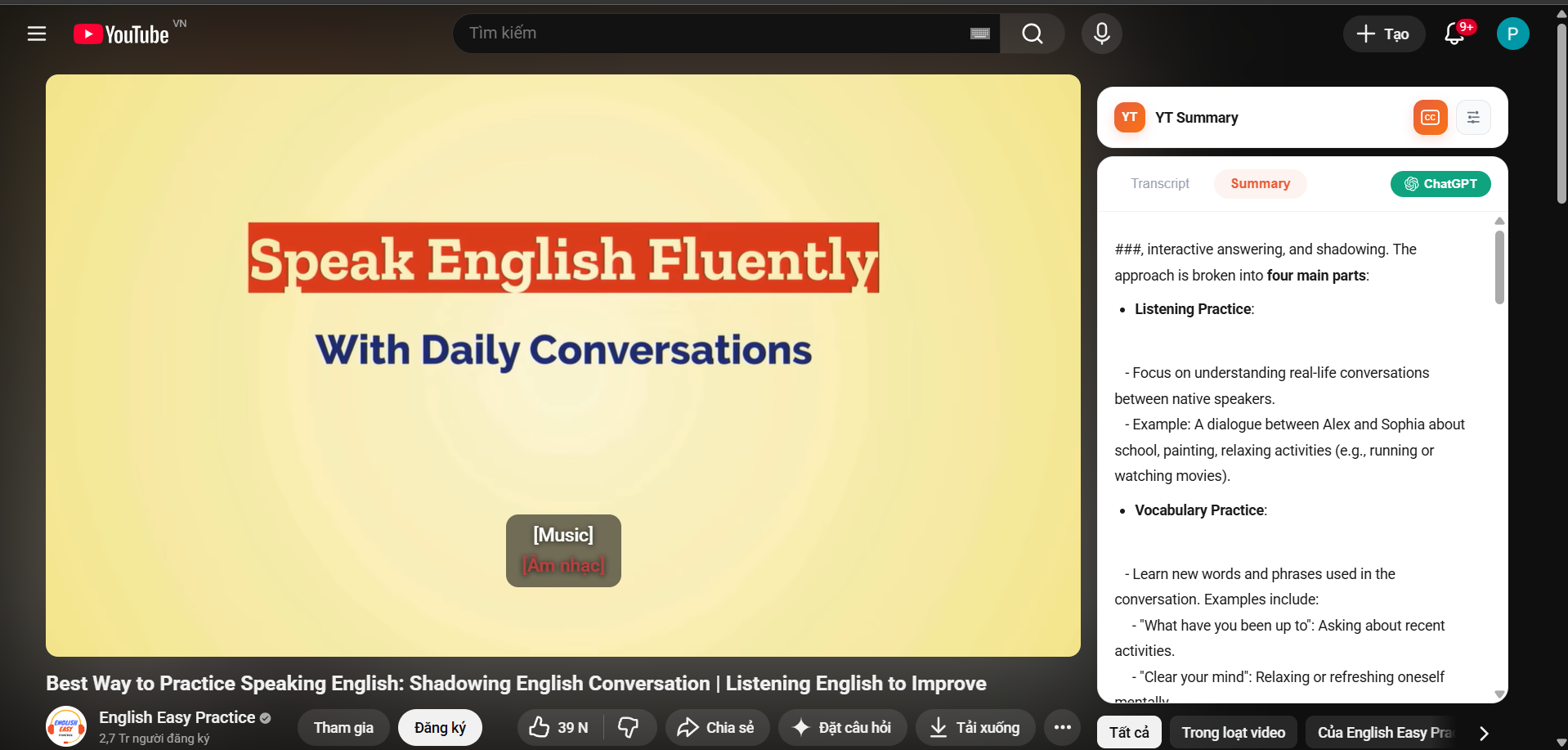
Translate any video's transcript into your preferred language. Show translated subtitles directly on the video player, in the transcript panel, or both. Export the bilingual transcript as .txt.
"Watch in English, read in Vietnamese."
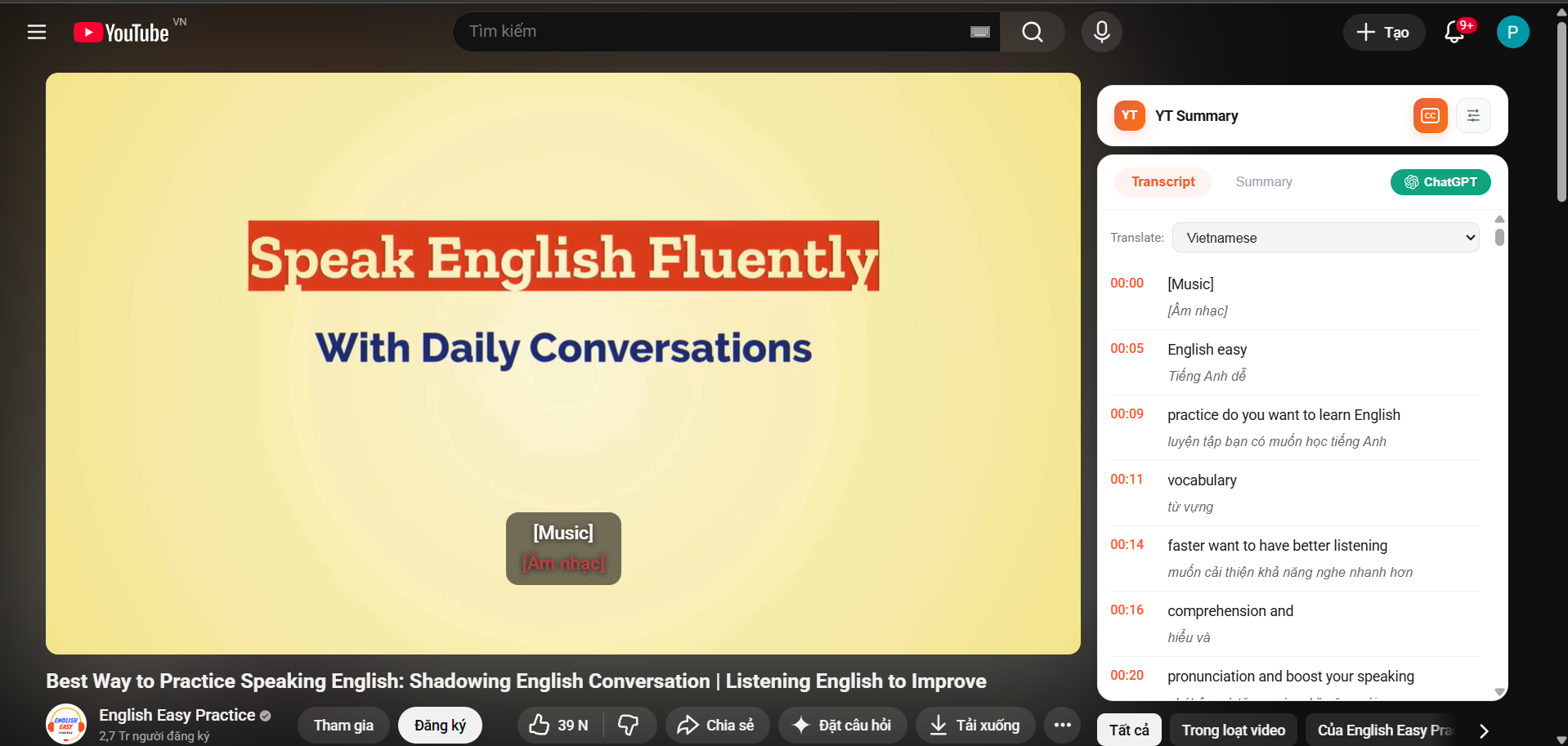
Instead of one giant wall of text, YT Summary breaks the video into logical sections based on the transcript timeline. Each section gets its own summary with a clickable timestamp — jump right to the relevant part.
"Navigate a 2-hour lecture in 30 seconds."
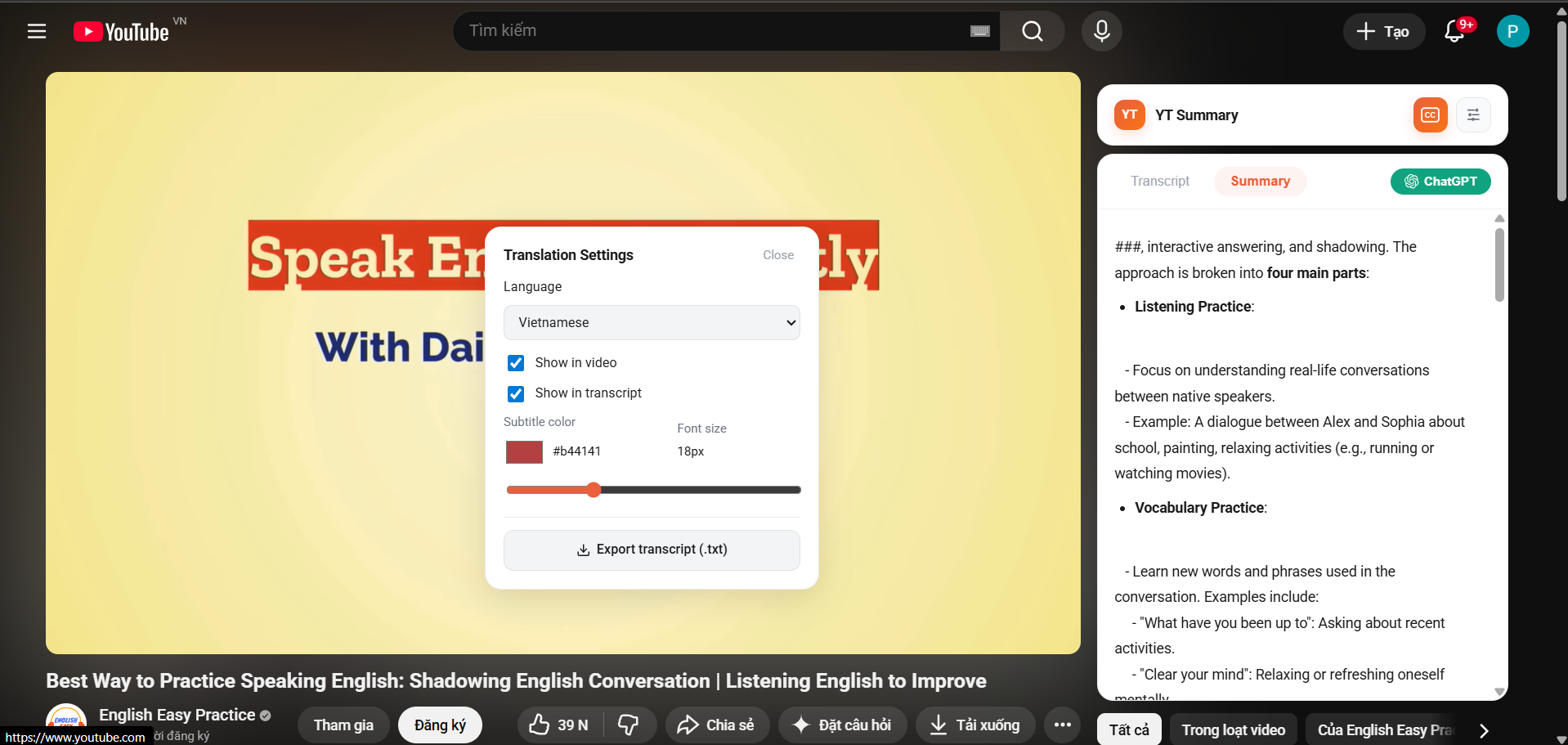
Click the CC button in the sidebar or use the browser action to instantly generate a summary. No menus, no configuration — just one click and the AI starts working. Results stream in real-time.
Button lives in the sidebar — always visible when watching a video.
Start on Free with daily limits. When you need more, upgrade for unlimited access — cancel any time.
YT Summary works on any YouTube video that has captions or subtitles available. This includes auto-generated captions, manually uploaded subtitles, and live stream transcripts. Videos without any caption track cannot be summarized.
No — YT Summary uses our hosted AI infrastructure. You don't need an OpenAI API key. Free users get a daily quota of summaries, and paid plans offer higher or unlimited usage.
Yes! YT Summary supports multi-language transcript translation. You can translate transcripts into Vietnamese, Spanish, French, German, Japanese, and many more languages. The AI summary also respects your chosen output language.
No. YT Summary only reads the transcript of the current video you're watching. We don't access your browsing history, watch history, or any other personal data. The transcript is sent to the AI for processing and that's the end of the round trip.
Absolutely. You can write your own custom prompt in the settings page. This lets you control the AI's output format — whether you want bullet points, study guides, code extraction, or any other format. The prompt is saved and reused across all videos until you change it.
Yes, absolutely. You can cancel your Pro or Starter subscription at any time from the extension's settings page. No questions asked, no penalties. You'll retain access until the end of your current billing period.
Install YT Summary and start summarizing any YouTube video in seconds.
Install for Chrome — It's Free